

Centralized Administration for KRMS

Unified Control of Data, Devices, and System Operations

AdminSee is a web-based administrative platform included within the Kelaroo Reagent Management System (KRMS) ecosystem that works in concert with ReagentSee and Kelaroo Kiosk to provide centralized control, configuration, and monitoring of the Kelaroo Reagent Management System (KRMS). It serves as the primary backend interface for managing core data entities—such as vendors, catalogs, and catalog items—while also supporting kiosk oversight and system-level operations through structured Web API endpoints and an intuitive navigation interface. AdminSee functions as the central administrative hub for the KRMS ecosystem, giving authorized users the tools to configure system data, monitor operational activity, and maintain backend processes that ensure accurate, efficient, and reliable inventory and kiosk management.

Who is It for

  • Geometric blue shape isolated

    System Administrators: Teams responsible for configuring KRMS master data, user access, and integrations.

  • Geometric blue shape isolated

    Operations and IT Support: Staff who monitor kiosk health, troubleshoot issues, and ensure smooth day-to-day system operation.

  • Geometric blue shape isolated

    Data and Compliance Stewards: Users who rely on audit trails, logging, and controlled updates to maintain data quality and regulatory readiness.

Platform Requirements

AdminSee is a web-based application that runs in any modern browser. No additional software installation is required, making it instantly accessible across desktop and mobile devices.

Centralized Data Management

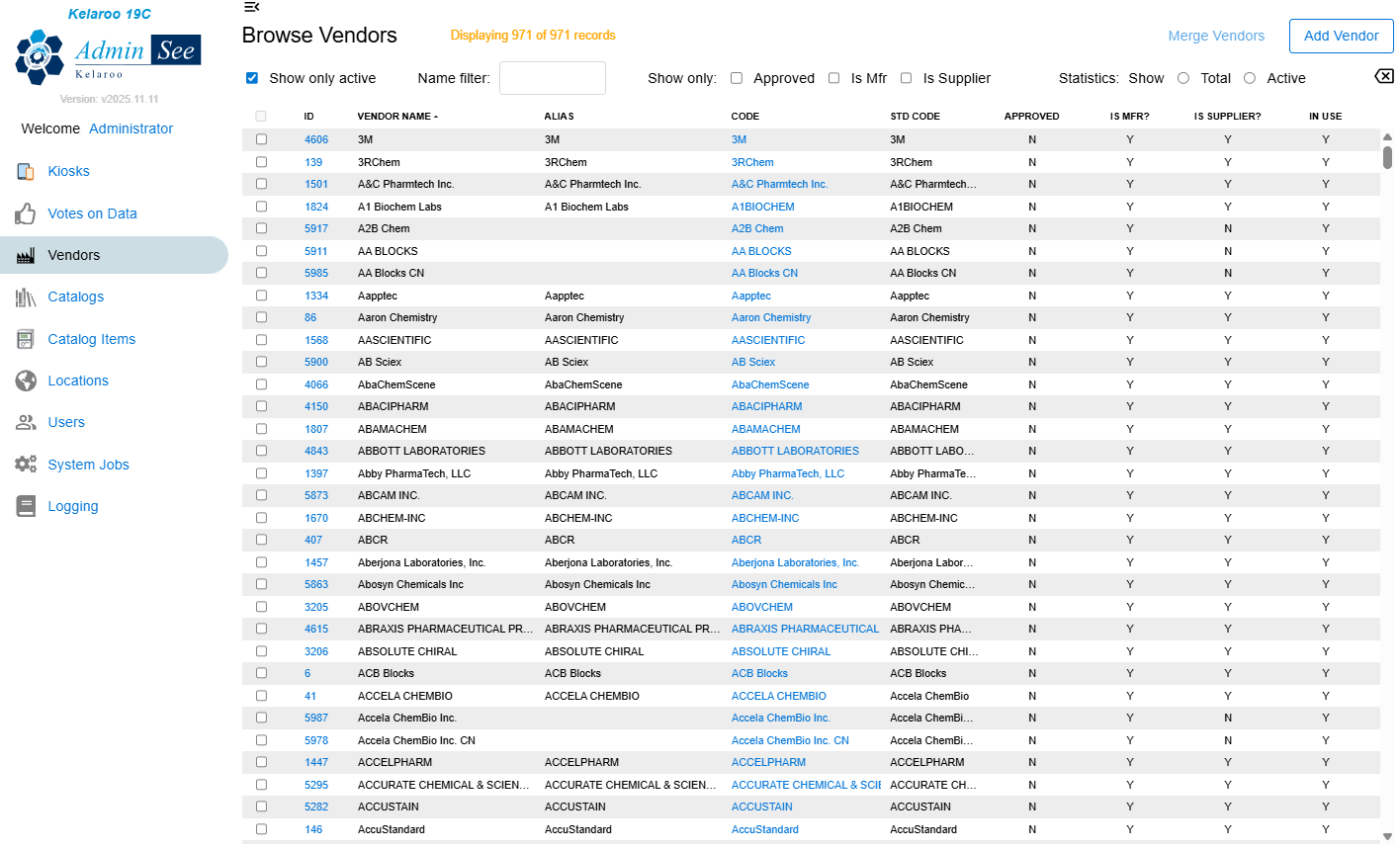
Configure and maintain core KRMS data entities, including vendors, catalogs, and catalog items. AdminSee ensures that ReagentSee, Kelaroo kiosk, and other ecosystem applications operate on consistent, high quality master data.

Kiosk Oversight and Diagnostics

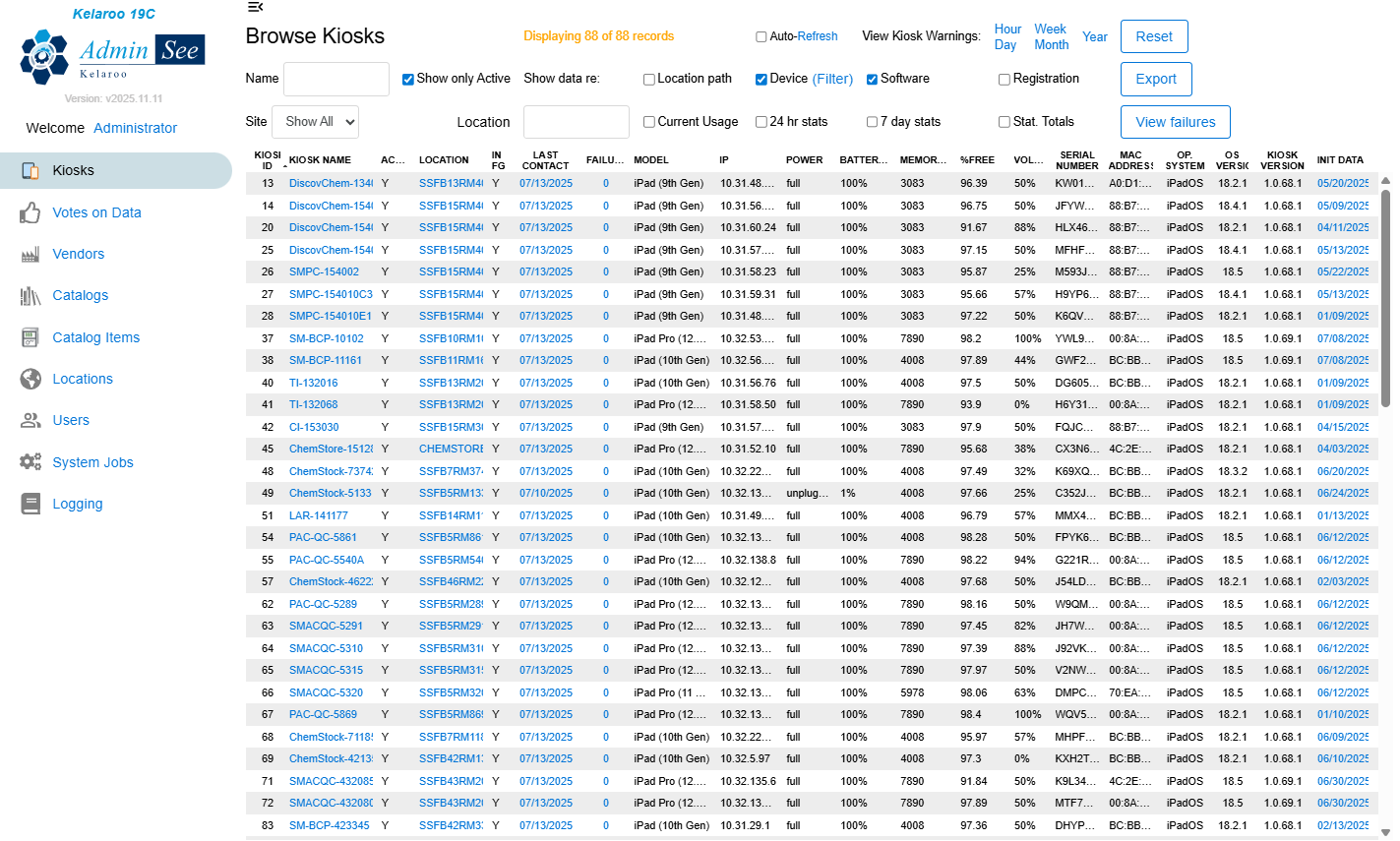
Browse and manage kiosks across labs and stockrooms, review status history, Investigate warnings, and analyze failed transactions. AdminSee provides the controls and insights needed to keep kiosk devices reliable and responsive.

System Monitoring and Iogging

Use the Logging page to review database logging entries for auditing, troubleshooting, and traceability. AdminSee gives administrators clear visibility into system activity and changes across the KRMS ecosystem.

Background Job and Process Management

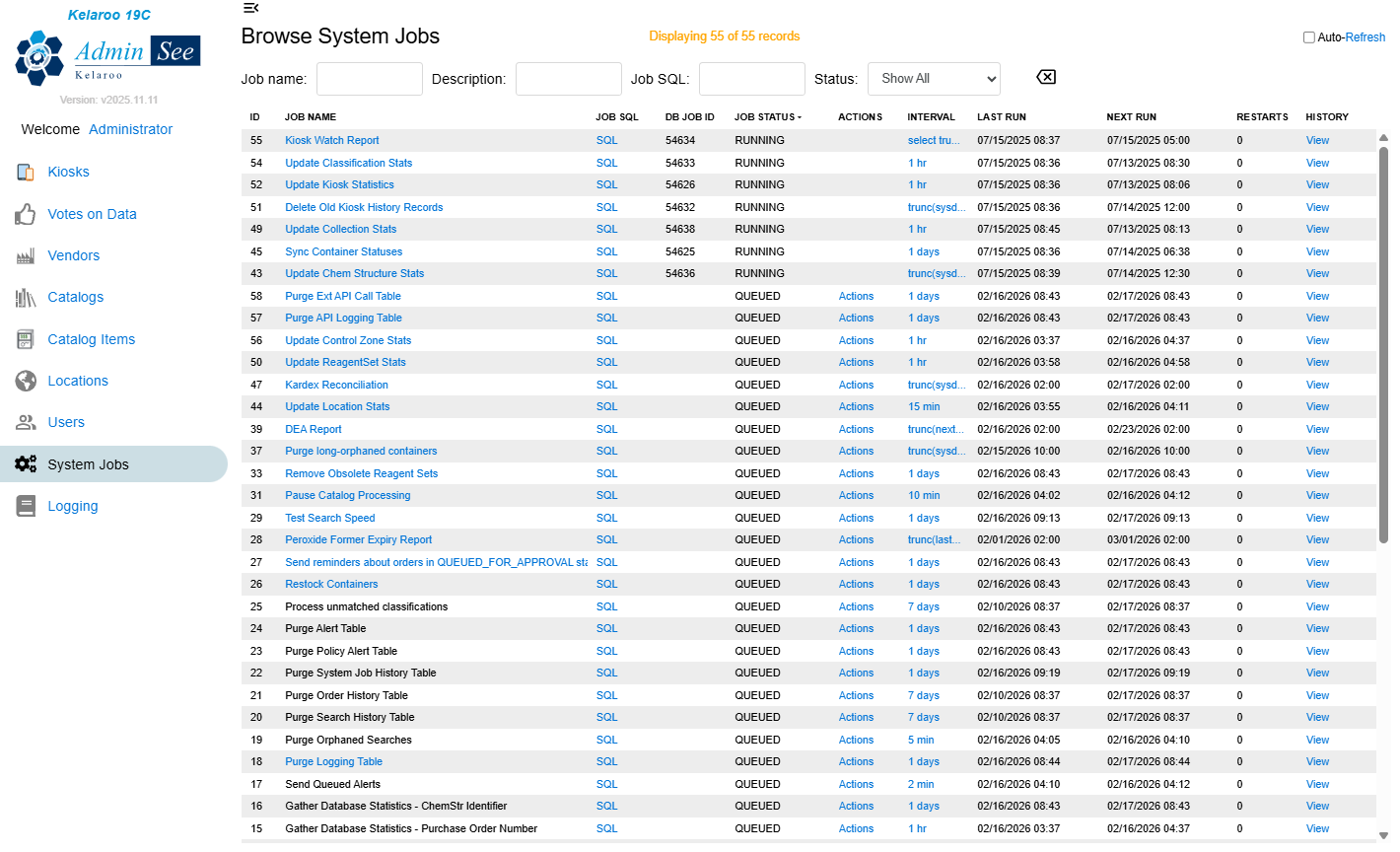
Monitor automated background processes via the System Jobs page, including scheduled tasks and maintenance operations. Adminsee helps ensure that critical jobs run as expected, supporting accurate data, timely updates, and overall system health.